TL;DR
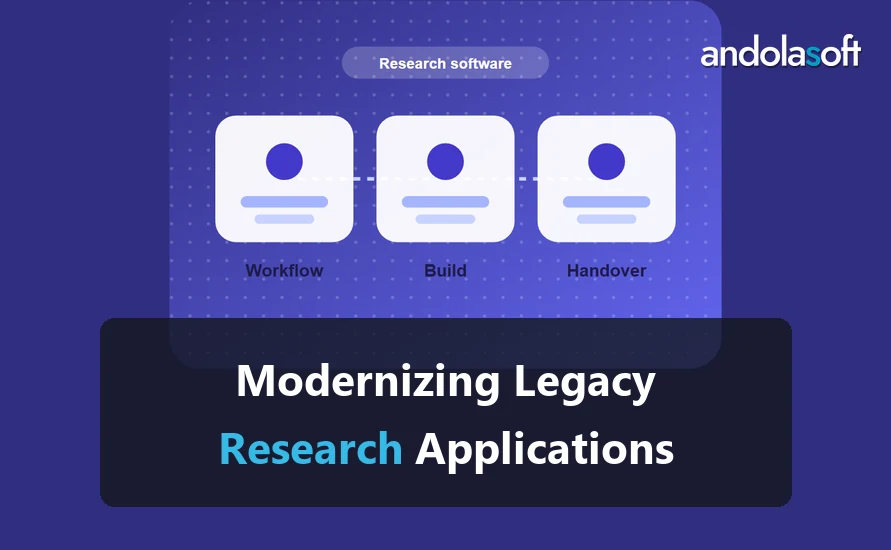
Modernize a legacy research application in stages. First, assess what it does and where the data sits. Second, protect the data and access. Third, move the core workflows one at a time. Fourth, retire the old system once the new one has run in parallel. Do not rewrite everything at once.
A legacy research application still runs studies, but it is hard to change. Its original developer may have left, and its libraries may no longer receive updates. Modernization works best as a series of small, tested moves. Each move keeps the study running.
Start with an assessment
Write down what the application does, who uses it and which reports depend on it. Note the data it stores and the systems it connects to. The assessment should answer one question: which parts of the system must keep working during the change?
Protect the data before you change the code
Take a verified backup and test a restore before any change. Check who has access today, and remove accounts that no longer need it. Only then should you change code. Data protection comes first because it is the one step you cannot undo.
Move one workflow at a time
Pick the workflow with the highest risk or the most manual work. Rebuild that workflow in the new system, run both systems in parallel for a set period, and compare the results. Repeat for each workflow.
Here is a small example. An application has 6 workflows: intake, consent, scheduling, data entry, review and reporting. The team moves intake first, then consent. That leaves 4 workflows on the old system. Each move is complete when the parallel run shows the same outputs for the agreed sample.
Keep the parallel run honest
Use real records for the comparison, and agree the match rule before you start. A parallel run that compares only easy cases proves little. Log every difference and decide each one.
Retire the old system with a plan
Switch users to the new system, keep the old one read-only for a set period, and archive it with its documentation. Do not delete it until the archive has been tested.
Choose a target design without over-engineering
The target design should solve the problems the assessment found, and no more. Many teams add services, queues and new frameworks that the research team never needed. Start with a simple design: one application, one database and clear interfaces to the systems it must connect to. Add complexity only when a real need appears.
Write the target design down in one page. Include the data it stores, the users it serves and the systems it connects to. Review it with the researchers, not only with developers, because the researchers know which steps matter most.
Common risks during the change
The biggest risk is losing a rule that nobody wrote down. Old applications often hold checks that users rely on without knowing. Find these rules during the assessment by reading the code, testing the screens and asking the team which mistakes the system stops.
The second risk is a data mismatch between the old and new systems. The parallel run should catch it. The third risk is a change of staff during the project. Keep the documentation current so a new person can take over the work.
Keep the team involved
Modernization changes daily work. Involve the people who enter data, review results and write reports. Show them each workflow before it moves, and collect their corrections. A team that helped shape the change uses the new system more readily.
Measure success in terms the team recognizes
Choose two or three measures that the research team already tracks, such as the time to finish a data entry task or the number of records that need correction. Measure them before the change and after each stage. Share the results in plain language. If a measure does not improve, the team needs to know why before the next stage begins.
FAQ
How long does a modernization take?
It depends on the size of the application and the number of workflows. Plan in stages, and agree each stage’s exit test before you start.
Do we have to stop research while we modernize?
No. Run the old and new systems in parallel for each workflow until the new one proves itself.
What if the original developer is gone?
Start with a code review and a list of open issues. Document what the system does before you change it. That record is valuable even if you never change the code.
Next step
If a legacy research application is holding back your studies, read our research software maintenance page to see how ongoing support is scoped. To review your system and its risks, book a discovery call.