TL;DR
Build a research data platform in five steps: inventory your datasets, agree the metadata and access rules, build a catalogue, connect the first two sources, then review access and keep the record current. Start with one study group. Expand once the data owners trust the record.
A research data platform keeps each dataset’s owner, version, storage location and access rules in one governed system. To build one, start with an inventory of your datasets. Agree the fields with the people who own the data. Then build the catalogue around those fields before you connect other tools.
What a research data platform must record
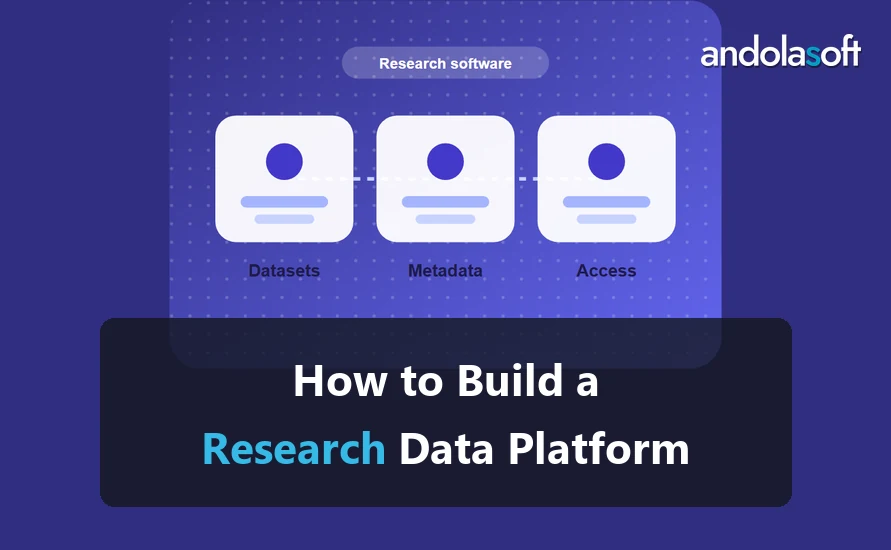
Every dataset needs a record that answers four questions. Who owns it? Which version is current? Where is it stored? Who may see it? A platform that answers these questions lets a researcher find the right file without asking around.
Here is a small example. A lab has 12 datasets across three studies. Study A has 5 datasets, Study B has 4 and Study C has 3. The catalogue holds one row per dataset, with these fields: dataset_id, study, owner, version, storage_location and access_level. That is 12 rows and six fields. The count matters because it tells you the size of the first load and the first review.
Step 1: Inventory the data
List every dataset, its owner and where it sits today. Include shared drives, instrument exports, email attachments and any database tables. Do not try to fix anything yet. The goal is one list that the data owners agree is complete.
Step 2: Agree the metadata and access rules
Metadata describes a dataset so others can find and reuse it. Use the standards your field already follows. The FAIR principles, which ask that data be findable, accessible, interoperable and reusable, are a useful reference point. Agree a short list of required fields, such as title, study, owner, version and access level.
Write down the access rules in plain language. For example, “project members can read; only the principal investigator can export.” Rules written this way are easy to test later.
Step 3: Build the catalogue
Build the catalogue around the agreed fields. Each dataset gets one record, and each record has an owner and a version history. Add search by study, owner and date. Keep large files where they are and store a link and a checksum in the record, so a changed file is easy to spot.
Step 4: Connect the first two sources
Choose the two sources that cause the most trouble today. Connect them first, check that the records match the inventory, and fix mismatches before adding more sources. Each new source adds risk, so connect one at a time.
Step 5: Review access and keep the record current
Review access every quarter. Remove people who have left a study, and confirm that owners still agree with their records. A platform that is not reviewed slowly becomes another shared drive.
Common mistakes to avoid
Teams often build the catalogue before agreeing the fields. The result is records that cannot be compared. Another mistake is connecting every source on day one. Start with two, prove the process, then add more.
Step 6: Plan the first release and the handover
The first release should cover one study group, the agreed fields and the first two sources. Write a short release note that lists what the platform holds, who owns each part and how to request a change. Name the person who approves changes to fields and access rules.
Plan the handover at the same time. The handover is complete when your team can add a dataset, change an access rule and restore a record without help. Ask the team to do each task once during the handover, and write down any step they had to ask about.
Plan for change
Research studies change. New instruments arrive, consent forms are revised and sponsors ask for new fields. Keep a change log for the fields, and treat every new field as a change that the owners approve. A small process here saves a lot of rework later.
FAQ
How long does it take to build a research data platform?
The timeline depends on the number of sources, the number of datasets and how many owners must agree on fields. Agree the scope during discovery, then plan in short cycles.
Do we need our own developers to run it?
No, but you need one named owner on your side. That person approves changes to fields and access rules.
Can the platform hold the data itself?
It can, but many teams keep large files where they are and hold the record, the owner and the access rules in the platform.
Next step
If your data is spread across drives and email, start with the inventory. Our research data management software page explains how we scope this work. To talk through your datasets, book a discovery call.