Custom Research Software vs Off-the-Shelf Tools: How to Choose

TL;DR

Buy an off-the-shelf research tool when it fits your workflow and your data rules with little change. Build custom research software when your study process is specific, when several tools must work together, or when access rules are hard to meet with a product. Answer four questions before you choose.

The choice is not about cost alone. Off-the-shelf tools are quick to start. Custom software fits your process better, but it needs ownership, documentation and support. Compare both on fit, data control, integration and long-term upkeep.

Question 1: Does a standard tool match your workflow?

List the steps a study takes, from participant intake to reporting. Mark each step that a standard tool covers without changes. If most steps are covered, buy. If the steps depend on local rules, such as consent types or sponsor reports, a standard tool will need workarounds.

Here is a worked example. A lab runs 4 studies. Each study has 3 consent types. A standard tool supports 2 consent types out of the box, so 2 of the 3 types fit. One consent type needs a custom form. That is 1 gap out of 3 for each study, or 4 gaps across the 4 studies. Four gaps is a signal to look at custom work, but it does not decide the question alone.

Question 2: Where must the data live?

Some research data cannot leave your environment. Check whether the tool hosts data in a region and under controls your policy allows. If the tool cannot meet your rules, a custom build on your infrastructure may be the only option.

Question 3: How many tools must work together?

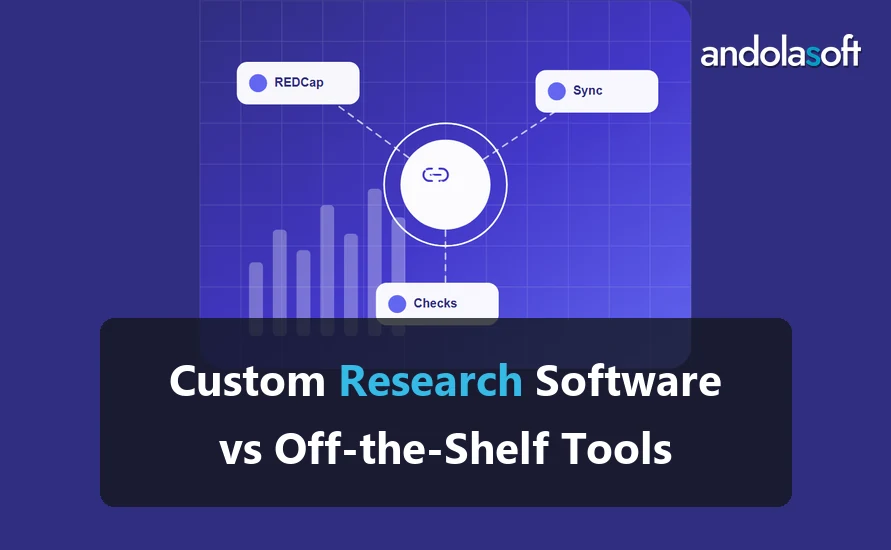
If the answer needs data from a survey tool, an instrument export and a grant database, count the connections. Each connection is a point of failure. A custom build can join those sources in one place, with checks at each join.

Question 4: Who will maintain it in three years?

Every software choice has an upkeep cost. Off-the-shelf tools bring the vendor’s roadmap, which you do not control. Custom software needs an owner, documentation and a support plan. If nobody on your side can own a custom system, plan for a partner who will.

When to choose each option

Choose an off-the-shelf tool when the workflow is common, the data rules are standard and one vendor covers most needs. Choose custom software when the workflow is specific, several sources must join, or you need full control of the data. Many institutes use both: a standard tool for common tasks and a custom layer for the rest.

A checklist before you decide

Use this checklist with the people who run the studies, not only the IT team. Each question should get a clear yes or no before you compare options.

  • Does a standard tool cover at least most steps of the study workflow?
  • Can the tool meet your data hosting and access rules without custom work?
  • Can the tool export your records in an open format?
  • Does the vendor explain how it handles changes to its product?
  • Can your team name an owner for the system, whichever option you pick?

If you answer no to two or more questions, look seriously at a custom option. A single no often has a simple fix, such as a configuration change or a small connector.

What a vendor should answer

Ask a vendor where data is stored, who can see it, how long copies are kept and how exports work. Ask what happens to your data if you stop using the product. Good vendors answer these questions in writing. Vague answers are a warning sign, not a reason to walk away, but they should slow the decision.

The hidden cost of a custom build

A custom build has costs that appear after launch. Someone must fix bugs, apply updates, answer questions and plan changes. Estimate these costs before you build. A custom system with a support plan often costs less over time than a set of workarounds around a tool that does not fit.

FAQ

Is custom research software more expensive?

It can cost more to build, but the total depends on upkeep, the number of tools you replace and the staff time you save. Compare the full cost over the same period.

Can we start with a standard tool and move to custom later?

Yes. Keep your data in open formats and document the fields. That makes a later move far easier.

What should we ask a vendor before we buy?

Ask where data is hosted, who can access it, how exports work and how the product handles your consent types and reporting needs.

Next step

If your lab has specific steps that no tool covers, look at our research software development page. To test your own workflow against these four questions, book a discovery call.
Why Research Institutes Need Long-Term Software Engineering Partners

TL;DR

Research institutes need a long-term software partner for the life of the system, not only the first build. Grants end, staff move on, and libraries and servers need updates. A long-term software partner who documents the system, supports it and plans its handover keeps research running. Ask for a written support plan before you sign.

Teams often build research software for one grant. The grant pays for the build, and then the project ends. The system must still run for the people who use it. Without an owner, bugs go unfixed and security updates stop.

Why research software needs ongoing care

Software changes around the research. Operating systems update, vendors retire libraries and browsers change. A system that works today may fail after a quiet update. Ongoing care catches these changes before users notice.

What a long-term software partner should provide

A long-term partner should document the system as the team builds it, keep the documentation current, and apply updates on a fixed schedule. It should also track open issues, respond within agreed times and report what changed each month. Ask for these in writing.

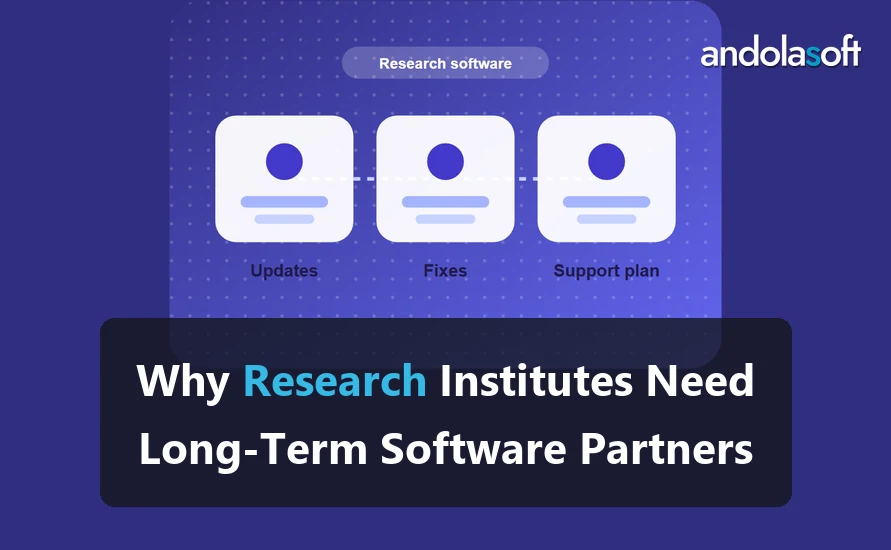
Here is a small example. An institute runs 3 research systems. Each system has 2 kinds of work: updates and fixes. A monthly review covers all 3 systems, so the institute gets 3 system reports each month. Each report lists updates applied, fixes closed and open issues. If a report shows 2 open issues older than 30 days, the review decides their priority.

The handover question

Plan the handover before you need it. Agree what documents, access and training the institute receives when the partner steps back. A handover is smooth when the runbooks already exist and the team has used them.

What to check before you sign

Ask four questions. Who owns the code and the data? What does the support plan cover? Who requests and approves changes? How will the partner hand over the system? Get the answers in writing.

What a healthy support relationship looks like

A healthy support relationship has a named contact on each side, a shared list of open issues and a regular review. Both sides know who decides on priorities. The partner takes change requests in writing, estimates them before work starts and confirms them when the work ends. The partner reports problems early and says so when it cannot meet an agreed time.

Watch for signs of trouble. Issues that stay open for months, changes that arrive without an estimate and documentation that falls behind are early warnings. Raise them in the monthly review, not at the end of the contract.

Questions to ask a long-term software partner in the first call

Ask how the partner documents its work and where the documents live. Find out who on the partner’s team would work on your system, and what happens if that person leaves. Check how the partner tests updates before they reach your system, and how it reports a security problem. Request a description of what a handover looks like and how long it usually takes.

The answers show how the partner works. A partner that answers clearly, in writing, is easier to hold to a plan. A partner that avoids these questions will be harder to work with over several years.

Budget for the long term

Funders often set research budgets grant by grant. A support plan can sit in the institute’s core budget, so the system keeps running between grants. Show the cost of a missed update or a failed backup next to the cost of a support plan. That comparison usually makes the case without a long argument.

Plan the end of a grant before it starts

Every grant-funded system has an end date. Plan that date when you scope the system. Decide who will own the system after the grant, how the institute will fund it and who will hold the documentation. A system with a clear plan for its next owner survives the change of staff that grants often bring.

Keep the knowledge in the institute

A partner holds knowledge about your system, but the institute must hold it too. Ask the partner to share its runbooks, its test records and its change history with a named person on your side. Review this material once a year. If the partner leaves, your team can continue the work without starting over. The Software Sustainability Institute shares guidance on sustaining research software that helps you judge a long-term software partner.

FAQ

Is a long-term partner only for large institutes?

No. A small lab with one important system can benefit from a written support plan as much as a large center.

What does a support plan cost?

The price of support depends on the systems covered, the response times and the expected number of changes. We agree the scope in writing before the plan starts.

Can we bring in a different partner later?

Yes, if the documentation is current and the handover is planned. Plan for it from the start.

Next step

Read our research software maintenance page to see how a support plan is scoped. To discuss a plan for your systems, book a discovery call.